
Aug202025
He-Man Dragon Pearl of Destruction – New Retro Brawler
The 1980s gave us bold heroes, catchy cartoons, and unforgettable battles between good and evil. Now He-Man is back. Bitmap Bureau has announced He...













The Fallout series, renowned for its immersive post-apocalyptic worlds, has captivated gamers for years. The franchise’s newest fan-made expansion, Fallout: London, promises to bring a fresh perspective to the series by transplanting players to a post-nuclear London. This blog post will guide you through How to Play Fallout: London and setting up the game, ensuring you get the most out of this exciting new chapter in the Fallout universe.
Fallout: London is an ambitious mod for Fallout 4, created by a dedicated team of fans. This standalone expansion transports players to a devastated London, offering a new storyline, unique quests, and a plethora of British-themed content. It’s not a mere reskin; it’s a fully fleshed-out experience set in an iconic city that Fallout fans have never explored before.
Before diving in, ensure your system meets the requirements for Fallout 4, as Fallout: London relies on the base game. Here’s a quick rundown:
Fallout: London requires a copy of Fallout 4. If you haven’t already, purchase and install Fallout 4 through Steam, Bethesda.net, or another authorized retailer. Ensure that your game is fully updated to the latest version if on GOG. For the Steam version, you must downgrade from the next-gen update. You can follow our guide on How to downgrade Fallout 4. At the time of Writing, you can only use the Steam and GOG versions of Fallout 4 for the mod to work.
Visit the official Fallout: London website or their Nexus Mods page to download the mod. The mod is available for free, but you might be asked to create an account or provide a donation to support the developers.
Data folder, typically located at C:\Program Files (x86)\Steam\steamapps\common\Fallout 4\Data. Make sure to activate the mod through the Fallout 4 launcher under “Mods.”Some other mods might conflict with Fallout: London. Consult the mod’s FAQ or community forums for compatibility information and adjust your load order if necessary.
Always check for updates or patches for Fallout: London. The modding community frequently releases patches to fix bugs or improve compatibility.
Once installed, launch Fallout 4. The mod should automatically appear as a new game option. Select it to start your adventure in post-apocalyptic London.
Fallout: London offers a unique setting, but the character creation process remains familiar. Choose your character’s appearance, attributes, and skills. The choices you make will influence how you interact with the London wasteland.
London’s layout is a significant departure from the American settings of previous Fallout games. Explore iconic landmarks like Big Ben, the London Eye, and the Tower of London, now reimagined in a post-nuclear setting. Pay attention to new factions, creatures, and quests that reflect British culture and history.
Fallout: London introduces new factions and questlines. Dive into the local politics, alliances, and conflicts to understand the city’s state of affairs. Engage with British-themed quests and stories that add depth to the Fallout universe.
If you experience performance issues, consider lowering graphical settings or disabling other mods. Check the Fallout: London forums for tips on optimizing the mod for different systems.
Join the Fallout: London community on forums or social media platforms to share your experiences, seek help, and stay updated on new developments. The community is active and can provide valuable insights and support.
Fallout: London is an exciting addition to the Fallout series, offering a fresh setting and new experiences for fans of the franchise. By following these steps, you’ll be well-prepared to embark on your adventure in a post-apocalyptic London. Immerse yourself in this new world, explore its mysteries, and enjoy the unique twists that Fallout: London brings to the series. Happy exploring!
Thank you for reading and If you enjoyed this article then you can read more like this in our News Section
We would be grateful if you could share this article on your social media and tag us in your posts.
The 1980s gave us bold heroes, catchy cartoons, and unforgettable battles between good and evil. Now He-Man is back. Bitmap Bureau has announced He...
Back in early 1997, I stumbled into a Beatties model shop in Nottingham city centre. The store was not so busy, and to my surprise, inside was what...
T2D Release Pushed Back Fans of the upcoming retro-inspired shooter Terminator 2D: No Fate will have to wait a little longer to get their hands on ...
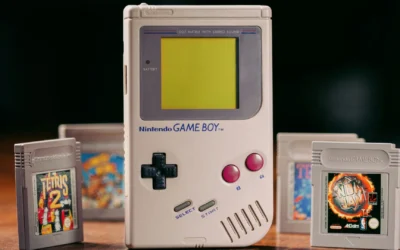
The Nintendo Game Boy was home to many great games, but some were incredibly difficult. Whether it was unforgiving platforming, relentless enemies,...
In the vast world of video games, certain titles stand out not just for their gameplay but for their quirky charm and lasting impact. One such game...
Metal Gear Solid Review – PS1 When Metal Gear Solid hit the PlayStation in 1998, it redefined what players thought a video game could be. Hid...
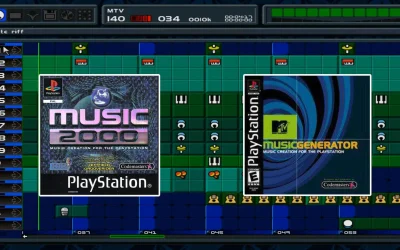
Platforms: PlayStation (PS1)Developer: Jester InteractiveRelease Date: 1999Genre: Music Creation/Simulation Introduction In the late ’90s, th...
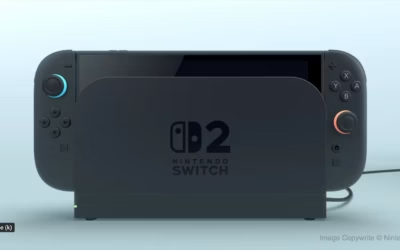
Understanding Game-Key Cards on the Nintendo Switch 2 Nintendo’s upcoming console, the Nintendo Switch 2, set for release on June 5, 2025, br...

The OneXPlayer Sugar 1 is a groundbreaking addition to the handheld gaming market, offering a unique dual-screen design that transforms the gaming ...

Microsoft’s Plans for an Xbox Handheld Console Microsoft is reportedly working on a dedicated Xbox Handheld Console, aiming to expand its gaming ...
Xbox Game Pass continues to be one of the best subscription services for gamers, offering a vast library of titles across multiple genres. As 2025 ...
Xbox is currently hosting a free games giveaway. This is a limited-time “Buy One, Get Two Free” sale, offering gamers the opportunity t...
GTA 6 Online Features Update As the gaming community eagerly anticipates the release of Grand Theft Auto VI (GTA 6) in the fall of 2025, recent dev...

Days Gone PS5 Remaster Announced at State of Play In a thrilling announcement during Sony’s State of Play on February 12, 2025, Bend Studio u...
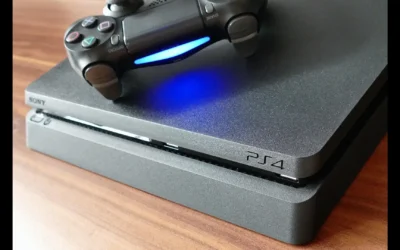
PS4 games removed from PS Plus Sony Announces the End of PS4 Games on PS Plus: What It Means for Gamers In a move that has sparked mixed reactions ...
How to Sign Up for Battlefield Labs and Get Early Access to the Upcoming Battlefield Game The excitement for the next installment in the Battl...
Nintendo has officially unveiled its next-generation console, the Nintendo Switch 2, set to launch in 2025. Building upon the success of the origin...
EA has officially announced that the Battlefield returns the franchise to modern warfare. Fans who were disappointed by Battlefield 2042 can now ex...

It’s real! the PS5 Pro Officially Announced! Sony has finally confirmed the release of the long-rumored PS5 Pro. This upgraded console offers...
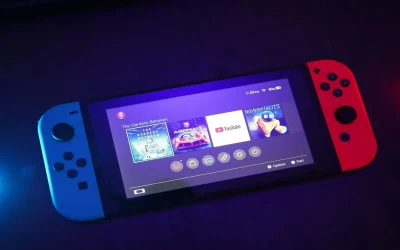
Nintendo plans to announce the successor to the Switch by April 2025, though it’s unclear if the new console will be named “Nintendo Sw...